In this guide · 4 sections
The short answer
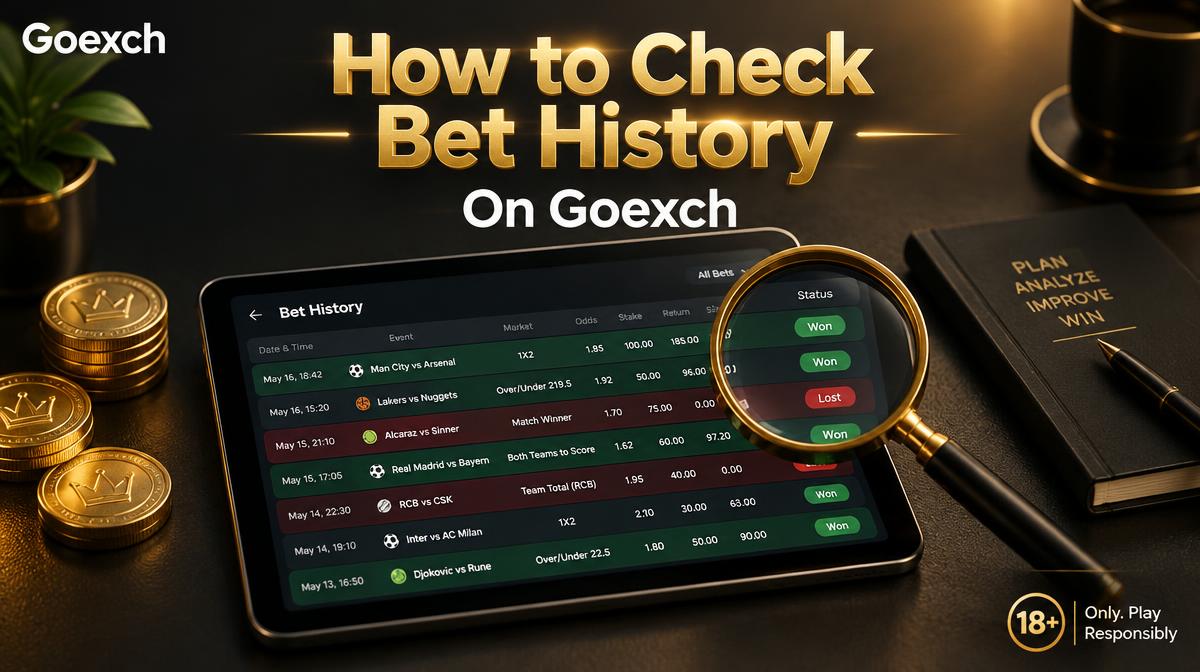
Your Goexch bet history is the evidence you send when something looks wrong, whether that's a missing stake, a void or an unpaid settlement. This guide explains how to use that record to give support a clear case. The separate bet history guide shows where the menu is.
AI overview
Key takeaways
- Screenshot each bet slip when you confirm it.
- Filter sports and casino separately.
- Yes.
How do you make history useful before you need it?
Screenshot each bet slip when you confirm it. History rows are short, and a session bet can look a lot like a casino round in a list sorted by date. Your screenshot shows the full market name and price.
What should you do when a row doesn't match your memory?
- Filter sports and casino separately.
- Match the stake and time, remembering a second device can lag by a minute.
- A void means a rule applied to that market. Read the betting rules before assuming a win was taken away.
- If a row is missing, send your Goexch ID, the original screenshot and the time to support.
Withdrawals wait while bets are open, and your history shows whether a market is still live. Check it before reporting a stuck payout.
Is history the same on phone and desktop?
Yes. Both use the same ID, so refresh both after a settlement. If you're unsure where the menu is, the guide on checking bet history walks through it.
Questions
Frequently asked questions
Short answers about betting guides on Goexch. Still stuck? Support replies on WhatsApp at any hour.
Still have a question?
Support is online 24/7
Message us on WhatsApp or live chat, in English or Hindi.
Ask support